

"You eat an elephant one bite at a time."
This principle comes up at every Hermes intensive. And it's exactly what explains why some executives are delegating dozens of tasks to the agent after three weeks, while others quit on day two.
I broke down the homework of participants from three cases — executives from different niches who were preparing Hermes configurations for their real tasks. Each had strengths and blind spots. In this article — what worked, what didn't, and a 90-day map that helps you avoid mistakes.
One principle that solves everything
When people come to Hermes with the mindset "automate everything at once," it always ends the same: the agent tries to do 10 things, breaks on every step, and the person gets disappointed.
"The main implementation principle — one task, one function. Don't give the agent ten tasks at once because it will break on every step. You gradually give it one task, make sure it works without failures, and then move on to the next." — Vladimir Nagin, Hermes intensive, 22.05.2026
This contradicts the first impulse. You want to automate everything at once — email, CRM, reporting, analytics. But when the agent tries to do ten things simultaneously, you get ten half-done tasks instead of one perfectly working one.
First week — one task. Make sure it works. Then the second.
5 first task types: where executives start
Based on real configuration reviews — five tasks that give a noticeable result in the first week.
Task 1. Morning briefing
Hermes reads email, Telegram notifications, and calendar events. Prioritizes them. At 8:00 sends a summary: top 3 tasks for the day, quick tasks under 15 minutes, overload warnings. For one intensive participant this cut the morning inbox processing from 40–60 minutes to 5–10 minutes — from the first week.
Why this is a starter task: simple structure, fast result, requires no write access to anything.
Task 2. Meeting brief preparation
30 minutes before a call Hermes collects: correspondence history with participants, key agreements from previous meetings, open questions. You join the Zoom prepared. This saves 15–20 minutes of preparation per meeting.
Task 3. Draft routine emails
Follow-up after a meeting, client thank-you, document request, deadline reminder — Hermes prepares drafts, you edit or approve. Confirmation mode: the agent doesn't send anything without your "ok."
Task 4. Prioritizing incoming tasks
Tasks come from different channels: Telegram voice messages, emails, Zoom transcripts, meeting notes. Hermes collects everything into one table, assigns priority by the "urgency × importance" formula, and recalculates the list once an hour. You no longer maintain parallel lists in Notion, Telegram, and your head.
"You think in chains, not in lists. That's a fundamentally different level of working with tasks." — Vladimir Nagin, configuration review, intensive 22.05.2026
Task 5. Onboarding repetitive processes
There are processes you explain again and again — to new partners, clients, employees. Hermes takes over this flow: writes the first welcome, guides through the steps, sends reminders, escalates only exceptions to you. For one participant with a network business the agent was simultaneously onboarding dozens of partners through a Telegram bot connected to Google Sheets — without a database and without a developer.
The channel where we break down real AI deployments
Cases, guides and new models — short and to the point.
Three cases: what works and what doesn't
At the intensive we analyzed configurations of three executives. Details are anonymized, structural conclusions are universal.
Case A: partner onboarding in a network business
Task: simultaneously managing more than a hundred partners through onboarding stages (first contact → product introduction → progress → consolidation).
What worked: clear stage breakdown (day 0, days 1–7, days 8–30) with explicit triggers and outcomes. Integration via Telegram bot + Google Sheets. An MVP you can assemble over a weekend.
What needed to be added: metrics (stage conversion, NPS), escalation rules — what the agent decides on its own, what it passes to the leader.
"Essentially this is an MVP right here. MVP for the agent — to start some kind of interaction. Without Supabase, without separate databases — use ready-made solutions. Google Sheets. Connected, linked, configured — it works." — Vladimir Nagin, configuration review, intensive 22.05.2026
Case B: task management for an expert-consultant
Task: collect incoming tasks from four channels (Telegram, Gmail, Zoom transcripts, Google Calendar), prioritize, maintain a single table.
What worked: morning briefing that accounts for energy level (the agent asks and restructures the plan based on the answer), decomposition of large tasks into chains, minimal day mode.
Beginner's mistake: connecting all four channels at once. Recommendation: start with two (Telegram + Google Sheets), then add.
Case C: client brief processing in an agency
Task: collect client information from 4+ channels, structure into a unified "master brief," track changes, identify contradictions.
What worked: the master brief as a single source of truth — Google Sheets with "briefs" and "communication history" tabs instead of storage in multiple places.
Mistake: trying to do everything at once — sentiment analysis, risk flags, style recommendations. These "wow factors" are phase three, after the basic extract-structure-log already works.
"You eat an elephant one bite at a time. MVP — two channels, for example Telegram and Gmail. Extract data into a brief, do sentiment analysis, identify changes. Not everything at once. These wow factors go to phase three." — Vladimir Nagin, configuration review, intensive 22.05.2026
90-day roadmap
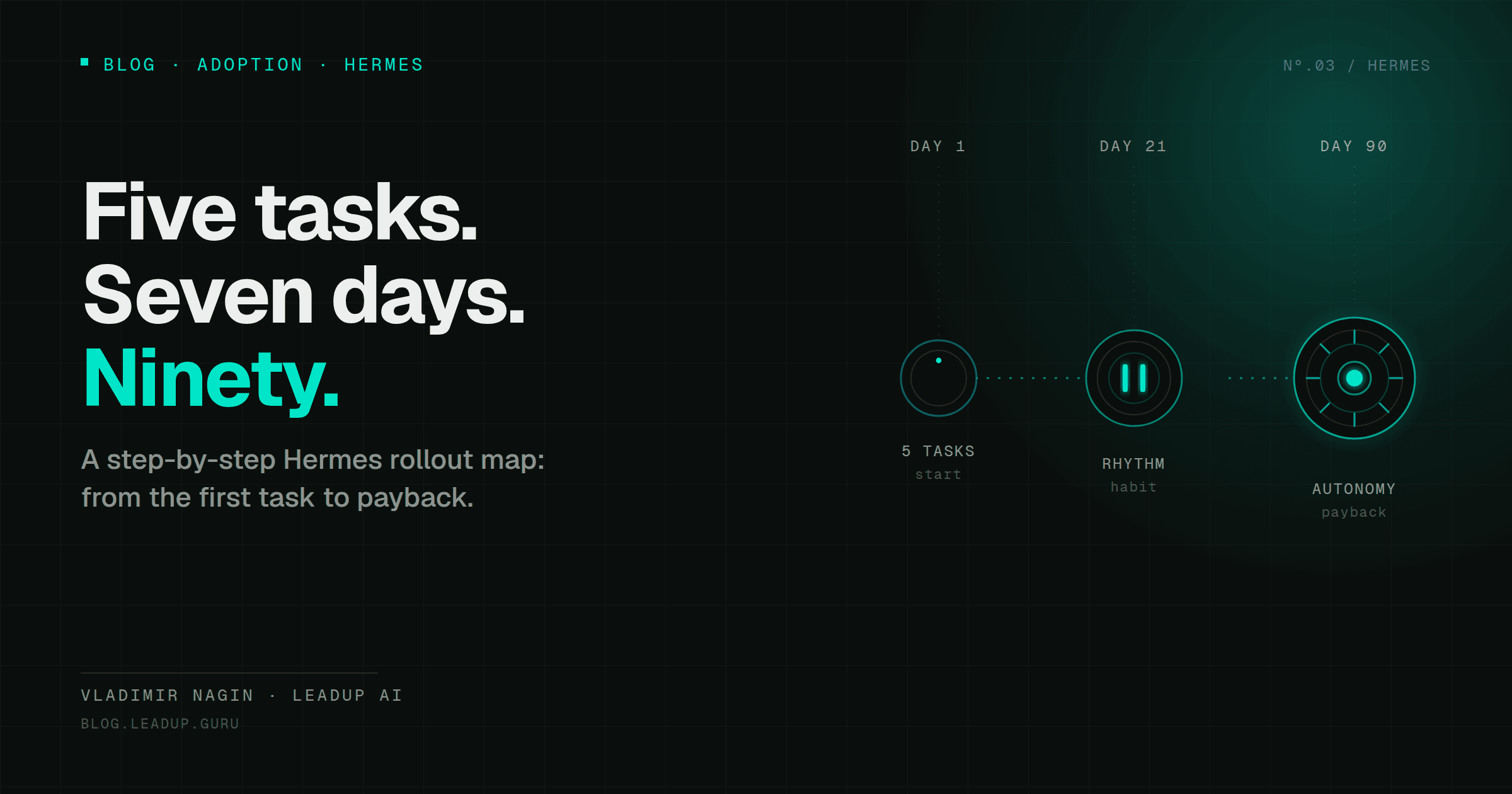
This is not theory — it's a concrete map with three steps and metrics of readiness for the next one.
| Step | Duration | What you do |
|---|---|---|
| Step 1: observation | Days 1–7 | Day 1: install Hermes in Docker + basic soul config (~1h). Day 2: connect Gmail read-only + Google Calendar (~1h). Day 3: launch, get first briefing. Days 4–7: adjustments 15 min/day |
| Step 2: assistant mode | Days 8–21 | Connect Telegram. Mode: agent writes draft letters, prepares meeting briefs — you confirm. Third week: read-only to other systems (CRM, Slack) |
| Step 3: autonomy | Days 22–90 | Week 4–6: autonomous for routine (follow-up, reminders). Week 6–10: team connection. By day 90: 5–7 functions covered by the agent |
Readiness metric for Step 2: morning email processing takes ≤10 min instead of 40–60.
Readiness metric for Step 3: out of every 100 agent suggestions you accept 70–75% without correction.
Result by day 90: savings of 10–15 hours per week, ROI from the second month, 5–7 automated functions.
Five architectural patterns found in every successful case
From the configuration reviews, five solutions crystallized that are present in every working agent.
- Soul config as the starting point. Not code, not integrations — a description of the role, context, tools, tasks, and KPIs in one
.mdfile. This is the agent's "personality." - MVP = 1–2 functions. All three cases required trimming. If MVP has more than two tasks — cut it.
- Google Sheets instead of a CRM at the start. Simple storage you can open by hand and verify. CRM, Supabase, Postgres — after the MVP works without failures.
- Telegram as the main interface. Bot or the agent's personal account — the main channel for communicating with the agent and external users. All three cases worked through Telegram.
- n8n for everything non-standard. Connectors not available in the Hermes box connect via n8n. Can live on a separate server.
What's next
The first 90 days isn't about technology. It's about discipline: one task, one function, make sure it works, and only then the next one.
The transformational result isn't that the agent replaces you. The result is that a morning without the agent starts to feel strange. That's the point of no return.
What day 90 with Hermes looks like — three live demos (from a task table to marketing analytics) — in the next series article.
→ Hermes on Day 90: Transition to Autonomy
Vladimir Nagin — founder of LeadUp AI, AI automation practitioner, author of the Neuromasterskaya 2.0 program. Designs and deploys AI agents for executives and teams since 2023.