

From Vladimir Nagin — founder of LeadUp AI, over three years working with AI agents, trained 500+ entrepreneurs in business automation.
This article is part of the Hermes Agent series. Start from the beginning: How Much Is an Hour of Your Time: AI Assistant for Executives.
With a regular chatbot everything is simple. You wrote — it replied. One question — one token exchange, and the monthly bill is pennies.
With an AI agent the picture is different. When OpenClaw — an open-source autonomous AI agent that carries out tasks through messengers (WhatsApp, Telegram, Slack) — massively took off in early 2026, active users were burning through several thousand dollars of tokens a day. Not a month. A day. People's subscriptions would just close out because a week's bill exceeded a junior developer's salary.
This isn't a bug and it's not "expensive" models. This is simply how agents are structured by definition: they plan, execute step by step, check their result, correct — and every action costs tokens. If your agent runs on one top model for all tasks in sequence, the bill quickly shoots skyward.
The good news is that without a single line of code you can cut these costs by up to 90% — through correct model routing. In this article — how it works and what routing I use right now.
Why agents are "resource-hungry"
The main thing to understand about the economics of agents: they have a fundamentally different process than a chatbot.
"AI agents — they have a completely different process. Not like with a regular chatbot where you send a request and it replies — that's it. It analyzed the request and returned an answer. Our AI agent first plans. Then starts executing that plan. It spends tokens on every action." — Vladimir Nagin
A concrete example. You give the agent a task: "Prepare follow-up on five open deals." In a chatbot this would be one message, one response, about a thousand tokens total. In an agent — a different order:
- Planning. The agent formulates a plan: open CRM, pull deal statuses, check correspondence on each, formulate the recommended next step.
- Step-by-step execution. Each of the above is a separate model call. Five deals — a minimum of twenty-five calls.
- Self-verification. At each step the agent checks the result: "Did I get what I was looking for?" If not — it repeats.
- Final synthesis. Consolidates results into a final message for you.
One task — dozens of model calls. Real-world scale I see in Paperclip — the orchestrator that manages agents:
"I see how agents work in my Paperclip — millions of tokens are being consumed, hundreds of millions." — Vladimir Nagin
When you have one agent on one top model, those millions multiply by the price per million tokens. The only saving grace: understanding that not all tasks require a top model.
The routing principle: different models for different tasks
An analogy I often use — electricity. You have a power outlet, and plugged into it are a computer, a kettle, and a phone charger. Nobody thinks of paying for charging a phone like running a computer for 24 hours.
With AI models — the same thing:
"For some complex tasks we put, for example, Gemini 3.1 Pro. For simpler tasks we put cheaper, faster models — for example, Gemini 2.5 Flash, or some open-source models we can get through Ollama. We can orchestrate all of this — we can also manage models, thereby reducing the cost of our agents." — Vladimir Nagin
The basic routing principle is simple:
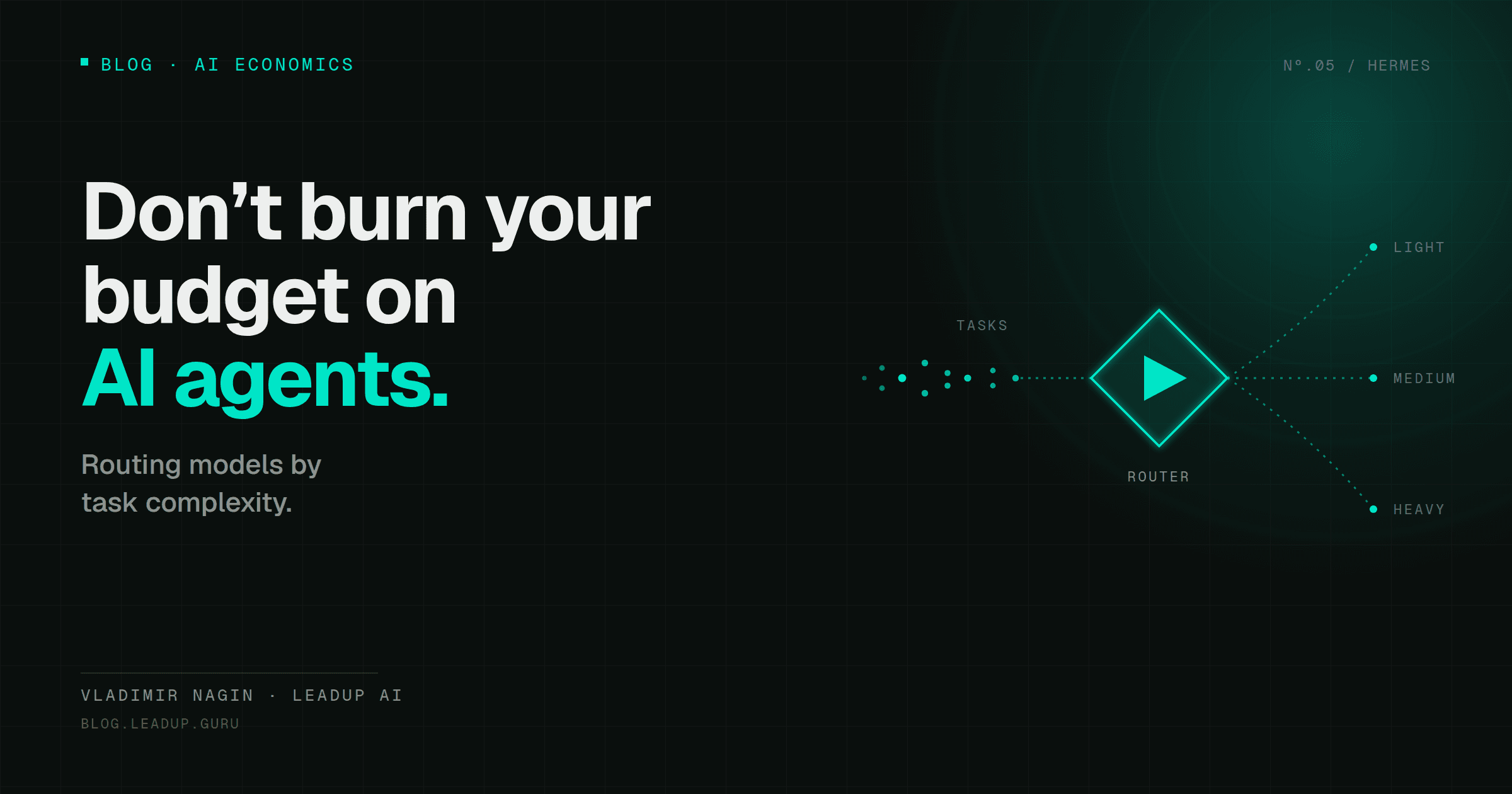
- Heavy tasks (analytics, scenario modeling, complex negotiation breakdown) → top model (Opus, Gemini 3.x Pro, GPT-5).
- Medium tasks (draft emails, email summaries, follow-up) → mid-tier model (Sonnet, Gemini Flash, GPT-5 Mini).
- Throughput routine (classification, simple responses, formatting) → cheap model (DeepSeek, Kimi, local models via Ollama).
"You can cut costs by up to 90% by switching the model — without any code changes. The model itself will figure out where to route things. You just need to configure the router." — Vladimir Nagin
The 2026 ecosystem: where models connect
In practice there are three main ways to connect models to your agent.
OpenRouter — aggregator for tokens
OpenRouter is a "universal connector" to 200+ models. Through one subscription and one API key you get access to Anthropic, OpenAI, Google, DeepSeek, Mistral, Kimi, and many others.
OpenRouter's logic — pay-per-token. Each model has its own price. If you have uneven loads — OpenRouter is usually more cost-effective. Convenience: one API key instead of fifteen, a unified request format, easy to switch between models.
Ollama — models by subscription or locally
Ollama is a different approach. A subscription — around twenty dollars a month according to Vladimir's comment at the intensive — gives access to several models simultaneously at a fixed price.
Ollama's logic — flat-rate. The subscription is fixed, and at sufficient load you pay less than pay-per-token at OpenRouter. Plus — some models can run locally on your server or Mac Mini, and then the token bill goes to zero entirely.
The downside — Ollama's model selection is narrower than OpenRouter's. If you need a specific top model that isn't available in Ollama, you'll have to get it separately.
Direct subscriptions to individual services
Claude Code Max — around two hundred dollars a month. A similar plan from ChatGPT for Codex access. For a developer — a normal price for a working tool. For an executive with one or two agents running — usually more expensive than needed.
"That Ollama subscription at even twenty dollars — is significantly lower than two hundred at Anthropic Claude Code Max." — Vladimir Nagin
The channel where we break down real AI deployments
Cases, guides and new models — short and to the point.
When to choose what
If you have uneven loads (peak hours, nighttime lull) → OpenRouter. Pay exactly for what you used.
If you have consistently high loads (agent runs 24/7) → Ollama. The subscription pays off fast. At high volume — Ollama locally, to not pay per request at all.
If you need one specific top model → direct subscription. For example, if all your tasks require Opus.
Hybrid → OpenRouter for top-tier tasks + Ollama for routine. I connect OpenRouter for complex analytical tasks that need Opus or Gemini 3 Pro. Ollama — for throughput tasks (email classification, generating short summaries). Between them stands the agent's router: it decides which model to use for each subtask.
A third technique: Kimi and agentic models
Worth mentioning separately is Kimi — a model from Chinese company Moonshot.
"A very interesting tool. The model is built on agents from the ground up — there's a whole team of agents, a swarm of agents executing your task. This is no longer just a model you get access to — these are already agents." — Vladimir Nagin
Kimi's idea — the model inside is structured not as a monolith, but as a team of internal agents. This comes out cheaper than classical models at comparable quality on certain tasks. Well-suited for throughput routine, especially classification and short responses.
How to set up routing in one day without code
If you already have Hermes Agent or another AI agent running, and the bill is starting to grow — a concrete first-day plan.
Step 1. Gather statistics from the past week. Go to the agent's dashboard. See which models are being used and what share of requests go to expensive models. You'll most likely see that 80% of requests are routine that doesn't need an expensive model.
Step 2. Categorize your tasks. Divide them into three categories: Complex / Medium / Simple.
Step 3. Connect two providers. Register at OpenRouter and Ollama — five minutes each, free to register.
Step 4. Set up routing rules. Basic rules:
- "Complex" category → Opus or Gemini 3.x Pro via OpenRouter.
- "Medium" category → Sonnet or Gemini Flash.
- "Simple" category → DeepSeek or Kimi via Ollama.
Step 5. Run for a week and compare. After seven days open the bill again. Target savings — 60–80% at comparable quality.
"Without code changes — the model itself will figure out where to route things. You just need to configure it simply." — Vladimir Nagin
A useful tip for those not ready to set up routing
"Tip: if you haven't learned to route models yet — put one top model on more complex tasks, and route all the others — the majority, not for 80% of normal routine — through some cheap model." — Vladimir Nagin
This isn't optimal routing, but it already gives significant savings compared to "everything on Opus." Two models often suffice for the first month of practice — then, once you see your real load profile, you add a third.
What changes over the long run
Hermes Agent can automatically optimize its own skills on a schedule:
"Hermes can automatically improve its own skills on a schedule. It has this mode — optimization mode, including self-learning. After two weeks it starts optimizing itself — either you see that some metrics are growing, or the cost of tokens used starts rising, and you can optimize it by that." — Vladimir Nagin
After two to three weeks of work the agent sees which models handle which tasks better, and starts correcting the routing itself. The result — the token bill becomes adaptively declining. After a month at the same or greater load you pay less than in the first week.
Where to start
- Open last month's bill. Understand how much you're actually paying for models right now.
- Connect OpenRouter and Ollama — five minutes each, free to register.
- Set up three routing rules: complex → Opus/Gemini Pro, medium → Sonnet/Flash, simple → DeepSeek/Kimi.
- After seven days compare the bill. Target savings — 60–80% in the first month.
By end of month — if you have stable loads — consider an Ollama subscription plus local models. This combination gives the maximum savings for a business that already understands its usage profile.
Further in the series
- How Much Is an Hour of Your Time: AI Assistant for Executives — ROI calculation.
- Hermes Agent: The AI Assistant That Learns From Your Decisions — the self-reflection loop from the inside.
- Karpathy's LLM Wiki: Corporate Memory for an AI Agent — three memory layers.
- Three Levels of AI Maturity: Where Are You and What to Do Next — reactive/proactive/autonomous.
Vladimir Nagin — founder of LeadUp AI, author of the Neuromasterskaya 2.0 program. Over 500 entrepreneurs have completed his business automation courses.