

From Vladimir Nagin — founder of LeadUp AI, over three years working with AI agents, trained 500+ entrepreneurs in business automation.
This article is part of the Hermes Agent series. Start from the beginning: How Much Is an Hour of Your Time: AI Assistant for Executives.
Most AI tools work the same way: you write a request, get an answer, close the window — and the tool forgets you. Every new morning starts from zero. You re-explain the context, re-formulate the task, re-adjust the tone of the response.
Hermes Agent is fundamentally different. After each task it analyzes what worked, saves that as a skill — and two to three weeks in it starts to match your decision-making style in the majority of typical situations. This is no longer "chatting with AI." It's a different class of tool.
In this article — what Hermes is, how it's built inside, and how it differs from the tools we got used to in 2024–2025.
Where Hermes Agent came from
Hermes is an open AI assistant from Nous Research, known for a family of open-weight models. At the intensive I described it this way:
"Right now we're talking about the Hermes agent — an assistant from Nous Research… Nous Hermes is an open model that today is used by hundreds of thousands of developers." — Vladimir Nagin
The history of Hermes is part of a broader wave. In late 2025 OpenClaw appeared — an open-source autonomous AI agent that carries out tasks through messengers (WhatsApp, Telegram, Slack, and others): email, calendar, documents, multi-channel operations. In the two months after launch the project crossed 200,000 GitHub stars. On the same wave Hermes Agent appeared — close in architecture as a self-hosted universal agent, but with its own focus: self-learning through each of your responses and long-term "growing" memory oriented toward accumulating your management context.
The main difference between Hermes and what came before it — the built-in self-learning function:
"After that Hermes Agent took off, and its main feature was and still is that it self-learns." — Vladimir Nagin
What's under the hood
Hermes is built on three architectural principles. I always start explanations with these, because without understanding "how it's built inside" it's easy to confuse Hermes with a regular chatbot.
1. Direct tool invocation (function calling)
Hermes can directly call external tools — an email client, calendar, database, research services, video generation services, and so on.
"They have what's called function calling — it's direct tool invocation… like what was called 'actions' in ChatGPT assistants. When we connected the assistant to various tools… it could call that tool from the set it had." — Vladimir Nagin
Unlike a chatbot that only talks, an agent acts: opens email, sends letters, sets tasks, launches searches, keeps records. Every action is a call to a specific tool from its set.
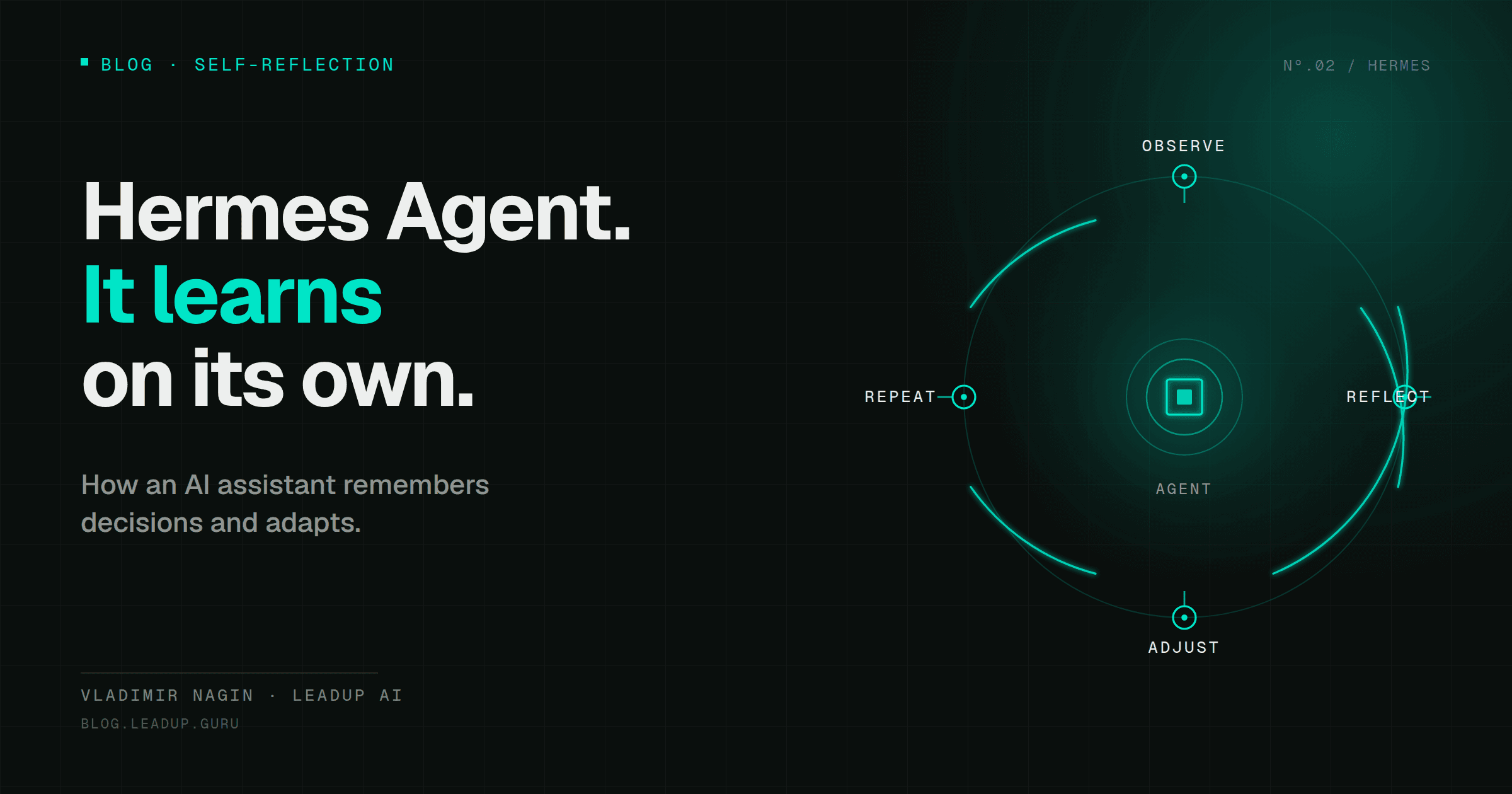
2. Self-reflection loop
This is the very "feature" that separates Hermes from the previous generation of tools.
"They have this self-reflection loop. After each completed task it analyzes what worked, what didn't. That's the self-learning feature that is essentially absent in OpenClaw — in those models that I know." — Vladimir Nagin
After two to three weeks of regular use the observable result changes noticeably:
"Essentially in two to three weeks it will start matching your decision in 80% of cases. It understands who you trust, which risks you ignore, which ones you don't, and so on. That is, it self-learns." — Vladimir Nagin
This is a statement from practice, not a scientific paper — so I treat the "80%" figure as a benchmark I observe in executives who've gone through training, not as a universal guarantee.
3. Persistent memory
Most AI assistants work "session to session." Open a session — enter context — close it — lose it. Hermes is built differently:
"Besides this — persistent memory. It remembers everything. With our assistants and agents they work in the world of sessions. When a task or request appears, a session opens, and within that session it carries it out. So, an important point — so the context isn't lost." — Vladimir Nagin
In Hermes context accumulates continuously. After a month of work the agent remembers how you reacted to different types of letters, which agreements you considered critical, which risks you ignored, who you trusted by default. This context doesn't disappear on the next restart.
Local-first: where your data is stored
Another fundamental difference — Hermes is built on the local-first principle. Data is stored not in the vendor's cloud, but on your infrastructure.
"Local-first approach — that's when all our data is stored within our own cloud, or our personal VPS server, or Mac Mini… When OpenClaw took off, everyone started buying Mac Minis and putting assistant-agents on them." — Vladimir Nagin
For an executive this means that correspondence with clients, contracts, internal documents, and summaries don't go to third-party servers. Your server — your data. This is especially important for businesses working with sensitive information: finance, legal contracts, team correspondence.
LLM wiki: Karpathy's concept as a standard skill
One of the most interesting parts of Hermes's architecture — how the agent maintains its own knowledge base about your business.
The LLM wiki idea belongs to Andrej Karpathy — former Director of AI at Tesla, one of the co-founders of OpenAI. In April 2026 he published the concept: an AI agent should maintain a "Wikipedia" of your business itself — with cross-references between pages, a unified schema, live updates after each task.
A few days after Karpathy's publication the concept was integrated into Hermes as a standard skill. A detailed breakdown of the LLM wiki is in a separate series article: Karpathy's LLM Wiki: Corporate Memory for an AI Agent.
The channel where we break down real AI deployments
Cases, guides and new models — short and to the point.
Three modes: observe → assist → autonomous
Hermes is built so you gradually expand its role — from passive observer to autonomous executor. These are three modes you switch the agent between as your trust grows. A full breakdown of maturity levels and modes is in the article: Three Levels of AI Maturity: Where Are You and What to Do Next.
Observation mode
The agent sees your work, but doesn't act. It accumulates understanding: which emails you open first, which you answer quickly, which you ignore. After a week or two it forms a first model of your priorities.
Assistant mode
The agent sees an anomaly or opportunity — and without your request forms a draft action. For example, it notices a sharp change in a department's KPI, formulates three hypotheses, and a draft letter to the department head. You just read and decide: send or not.
Autonomous mode
The agent acts on its own, informs you after the fact. Contracts sent, meetings scheduled, deal follow-ups done. You get a summary at the end of the day or week. Critical decisions — budgets, personnel matters, large contracts — remain yours.
The key principle: you decide when to switch modes. Hermes doesn't "take control" — you gradually expand it.
118+ built-in skills: where to start
The box with Hermes comes with more than one hundred and eighteen built-in skills for an executive — that's the number I tracked at the time of the May 2026 intensive:
"Essentially we now have more than one hundred and eighteen built-in skills in our Hermes agent box — essentially for an executive." — Vladimir Nagin
The full list changes almost every week — the ecosystem is growing. But eight categories I recommend starting with in practice remain stable:
- Morning summary of incoming emails — prioritization, highlighting urgent and non-urgent.
- Calendar briefing — 30 minutes before each meeting Hermes sends context in Telegram.
- Competitor monitoring — Hermes tracks changes itself and sends a digest once a week.
- Scenario modeling — "what changes if we raise prices 15%."
- Task distribution across the team — with deadlines, execution monitoring, reminders.
- Industry digest — weekly review on selected topics.
- Deal follow-up — Hermes reminds about the next step, prepares a draft letter.
- KPI anomalies — Hermes sees deviations itself and suggests response options.
These are just the first eight — try them one by one, not all at once.
Hermes vs OpenClaw vs Codex/Claude Code
The most frequent question I'm asked: why do I need Hermes if I already have OpenClaw, Codex, or Claude Code.
Here it's important to immediately separate two different classes of tools.
Codex and Claude Code are narrowly specialized coding agents from Anthropic and OpenAI. They live in the terminal and IDE, have access to the repository file system and git history. This is a pair programmer — an excellent tool if your work involves software development, but they don't aspire to be a "universal assistant."
OpenClaw and Hermes Agent are self-hosted universal AI agents. Both live on your server or Mac Mini, both can autonomously execute tasks through messengers (email, calendar, documents, multi-channel operations). The difference between them is not "manager vs developer," but a difference of emphasis:
- OpenClaw — open-source autonomous agent focusing on "AI that gets things done" through WhatsApp, Telegram, Slack, and dozens of other channels. Universal personal/business assistant.
- Hermes Agent (Nous Research) — architecturally close self-hosted universal agent with its own emphasis on self-learning through each of your actions and long-term "growing" memory oriented toward accumulating your management context.
The key feature that distinguishes Hermes from OpenClaw in management application — the built-in self-learning loop after each of your responses. These tools aren't competitors at all, but different layers of the stack.
An AI agent as an employee who lives on your server
Perhaps the most accurate metaphor for Hermes — it's not a "tool" and not a "bot." It's an employee who lives on your server around the clock.
"This is already not one programmer. This is essentially still an employee who lives on your server around the clock." — Vladimir Nagin
If it lives on a laptop — it has a conditional eight-hour workday. If on a server or Mac Mini that never shuts off — it has a full 24/7 work cycle.
Where to start
If you're hearing about Hermes for the first time — three steps for the first week:
- Learn the LLM wiki concept. This is the heart of Hermes; without understanding the wiki you won't get the maximum out of the agent.
- Launch Hermes in observation mode — on one task. Not ten. One. For example, a morning email summary.
- After a week — switch to assistant mode. Let it write draft replies. Correct them — it learns.
In two to three weeks — I usually see the first signs that the agent is starting to match your style. After a month — it's already a noticeable shift in how much time you free up for strategic tasks.
Further in the series
- How Much Is an Hour of Your Time: AI Assistant for Executives — ROI calculation and why an executive needs an AI assistant.
- Karpathy's LLM Wiki: Corporate Memory for an AI Agent — Karpathy's concept, three memory layers.
- Three Levels of AI Maturity: Where Are You and What to Do Next — reactive/proactive/autonomous.
- How Not to Burn Budget on AI Agents: Model Routing — tool map and savings up to 90%.
Vladimir Nagin — founder of LeadUp AI, author of the Neuromasterskaya 2.0 program. Over 500 entrepreneurs have completed his business automation courses.